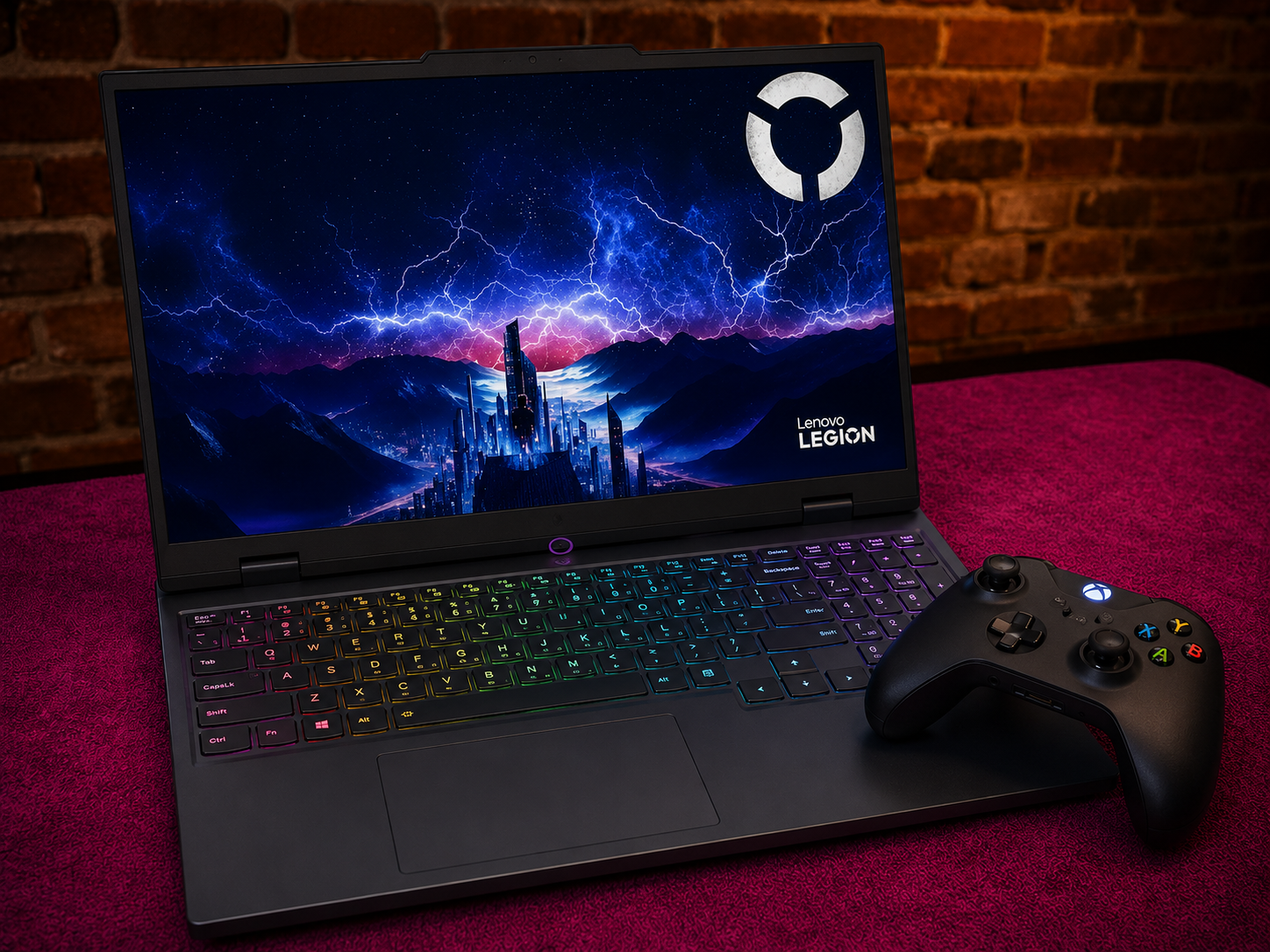
Our Picks
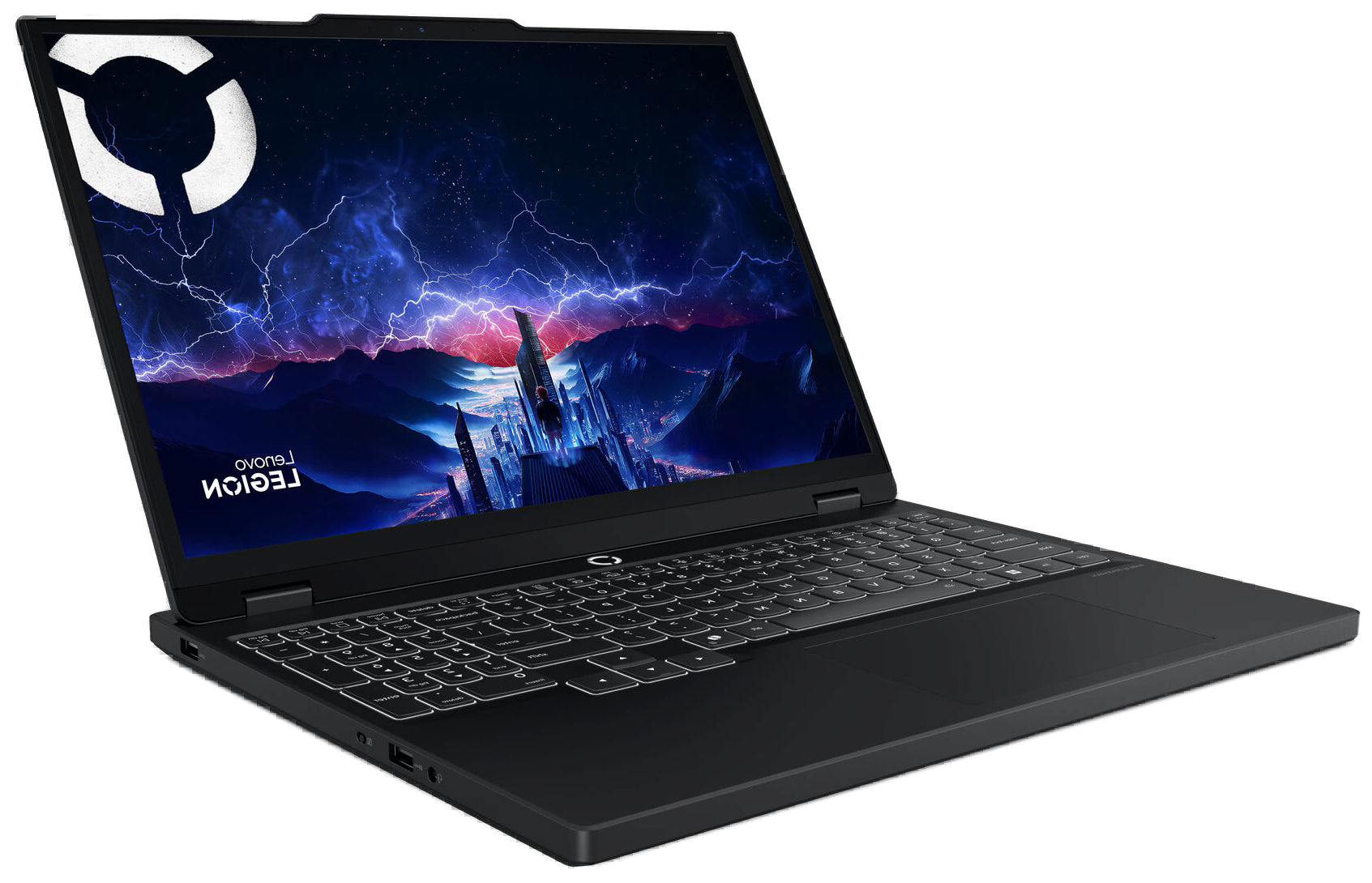
Lenovo Legion 5i Gen 10
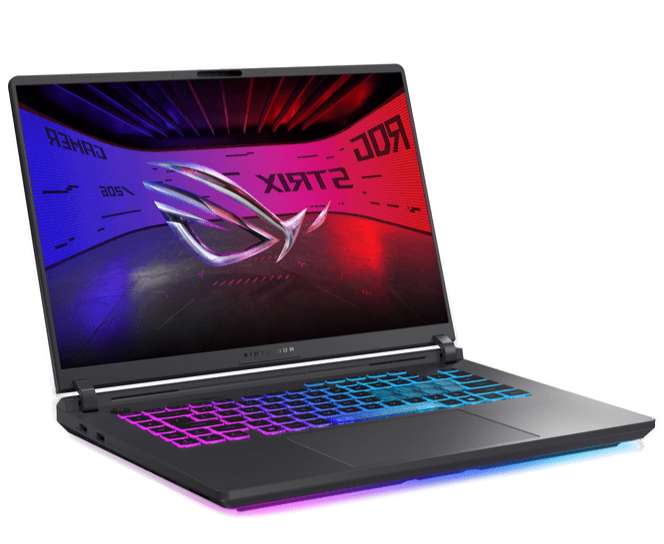
ASUS ROG Strix G16 (2025)
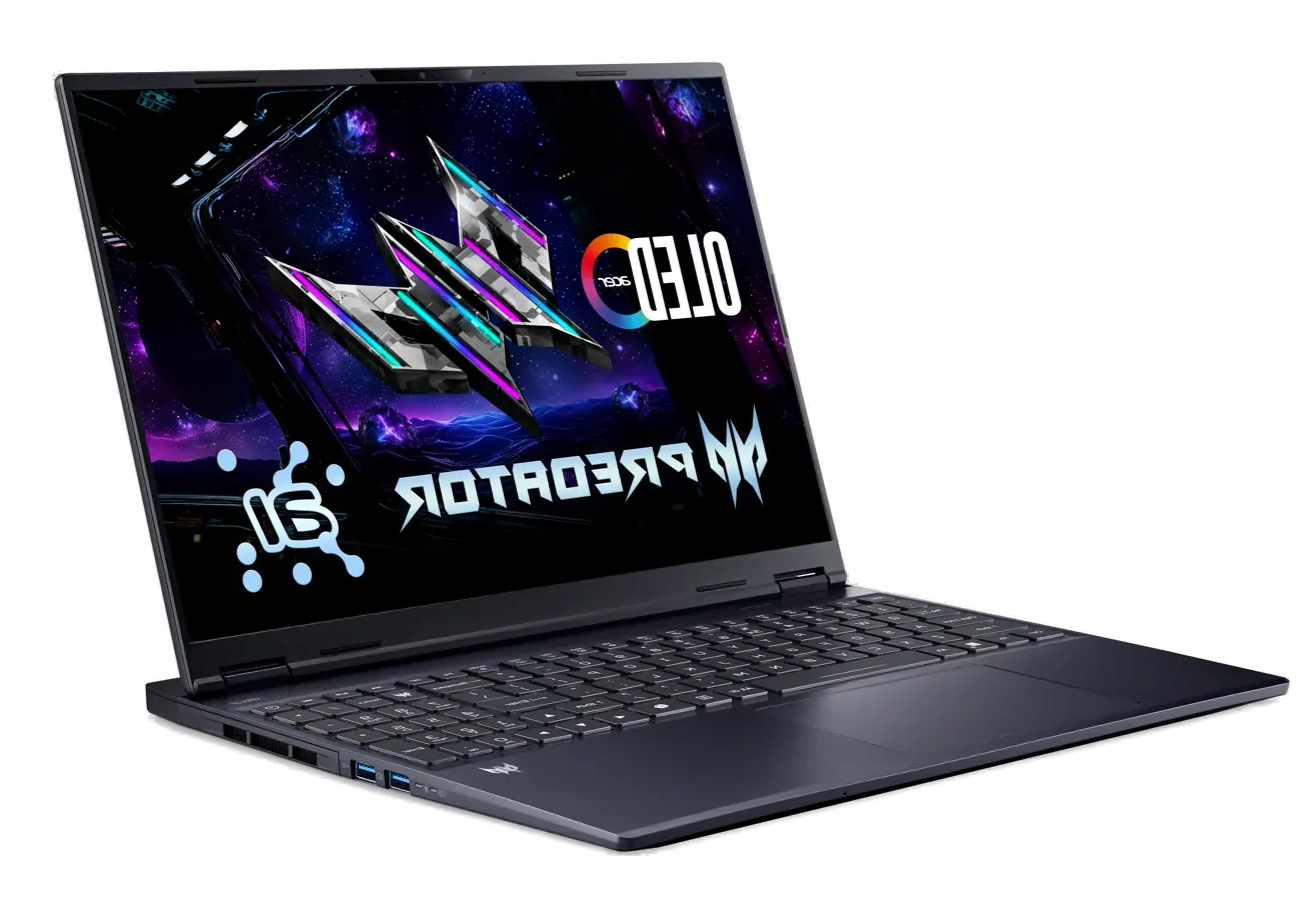
Acer Predator Helios Neo 16S AI
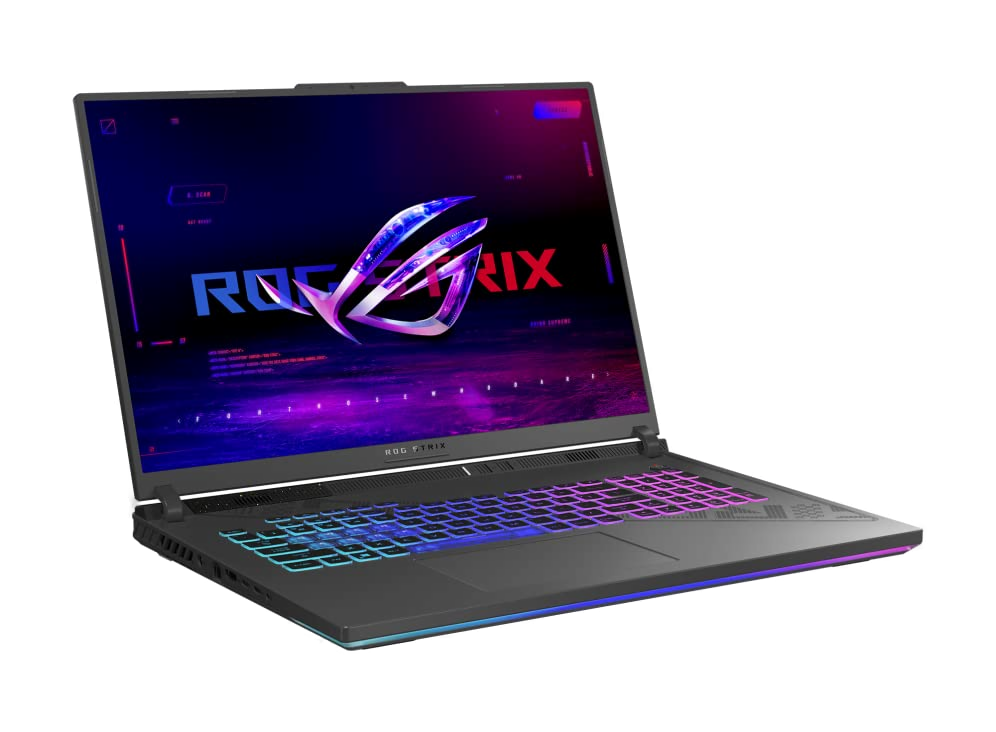
ASUS ROG Strix G18 (2025)
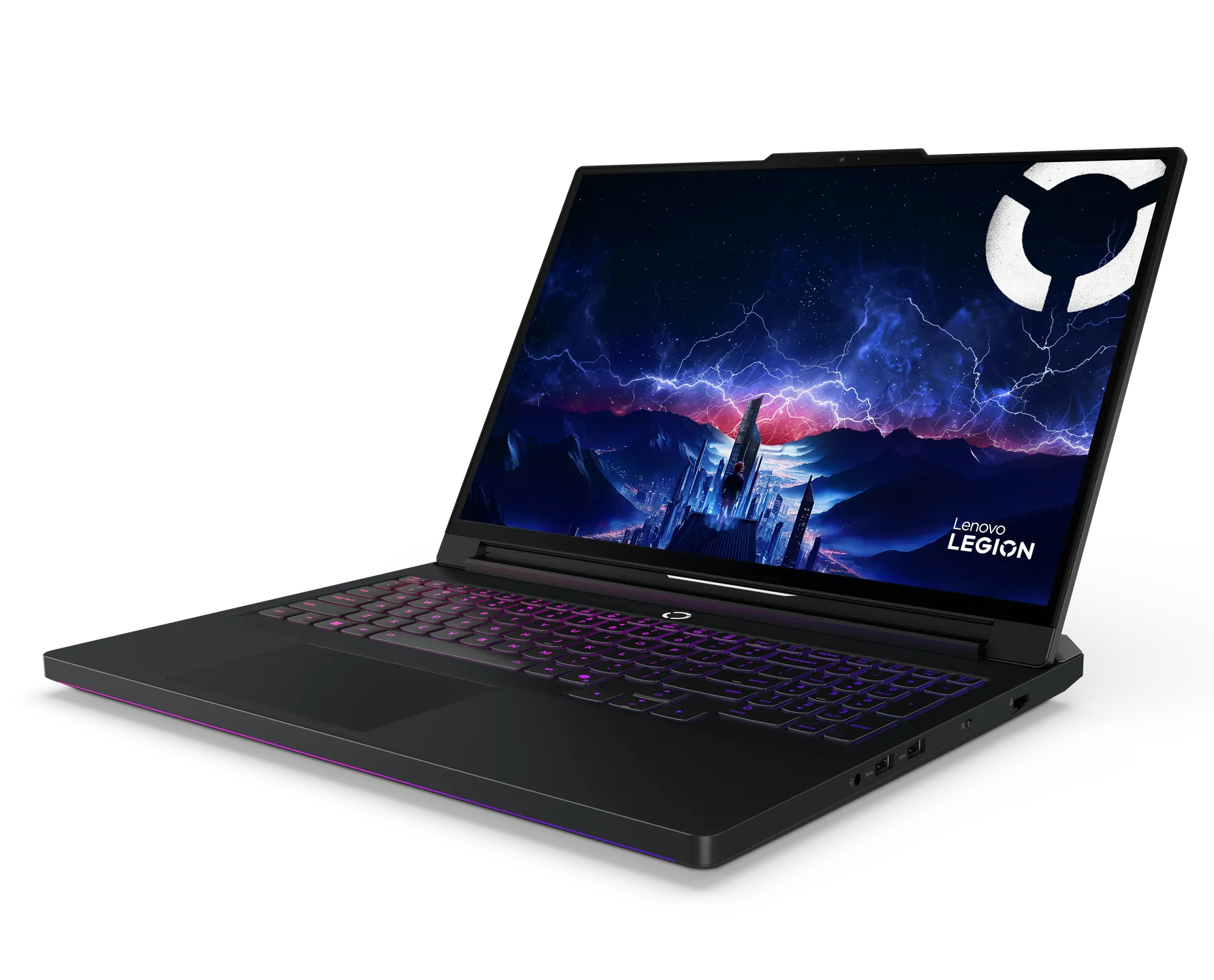
Lenovo Legion Pro 7i Gen 10
What Changed
Below $1,500, gaming laptops still make you pick between GPU power, display quality, and build. Above $2,500, you start paying for diminishing returns. The $1,500 to $2,500 range in 2026 is where those compromises disappear. RTX 5070 and 5070 Ti GPUs on Blackwell architecture, OLED panels at 240Hz, vapor chamber cooling, 32GB of DDR5. Hardware that would have cost $3,000+ two years ago now sits in the middle of the lineup.
But the same rules apply here as everywhere else in the laptop market: two machines can list the same GPU and perform 20-30% apart. The difference is TGP (Total Graphics Power), the wattage a laptop feeds the GPU. An RTX 5070 Ti at 175W in a thick chassis will pull noticeably ahead of the same chip at 115W in a slim one. Manufacturers rarely advertise TGP. We checked it for every laptop on this list.
We narrowed the current $1,500 to $2,500 market to six laptops. Each one fills a specific role: entry-level value, all-round performance, mid-range OLED, desktop replacement, peak performance, and premium compact. No overlap, no filler picks.
What Matters When Buying a Gaming Laptop in This Range
GPU Wattage, Not GPU Name
An RTX 5070 Ti can run anywhere from 115W in a slim chassis to 175W in a performance-first design. At 175W, it trades blows with RTX 5080-class hardware in DLSS 4 titles. At 115W, the gap narrows to where it barely edges past a 115W RTX 5070 in some benchmarks. Always check TGP. If the manufacturer does not list it, the number probably is not flattering.
Display: Refresh Rate vs. Resolution vs. Panel Type
At this budget, you should expect 2560x1600 (QHD+) at minimum and 165Hz or higher. OLED is available at multiple price points in this range and worth prioritizing for color accuracy, contrast, and sub-millisecond response times. The trade-off remains burn-in risk with static elements like game HUDs and Windows taskbars over extended use.
Cooling Architecture
A laptop's cooling system determines how long the GPU can hold its rated TGP. Thin laptops with smaller heatsinks throttle sooner. Vapor chambers, tri-fan setups, and large thermal modules separate machines that sustain performance from machines that hit a wall after 20 minutes. This matters more than peak benchmark scores, which only measure the first few minutes of load.
RAM: Check the Channel and Capacity
Single-channel RAM costs 10-20% in GPU-bound gaming performance compared to dual-channel. Some manufacturers ship 16GB as a single stick to save costs. Verify dual-channel before buying. At this price tier, 32GB should be the baseline for any machine you plan to keep for 3+ years.
Lenovo Legion 5i Gen 10 - Best Entry Point
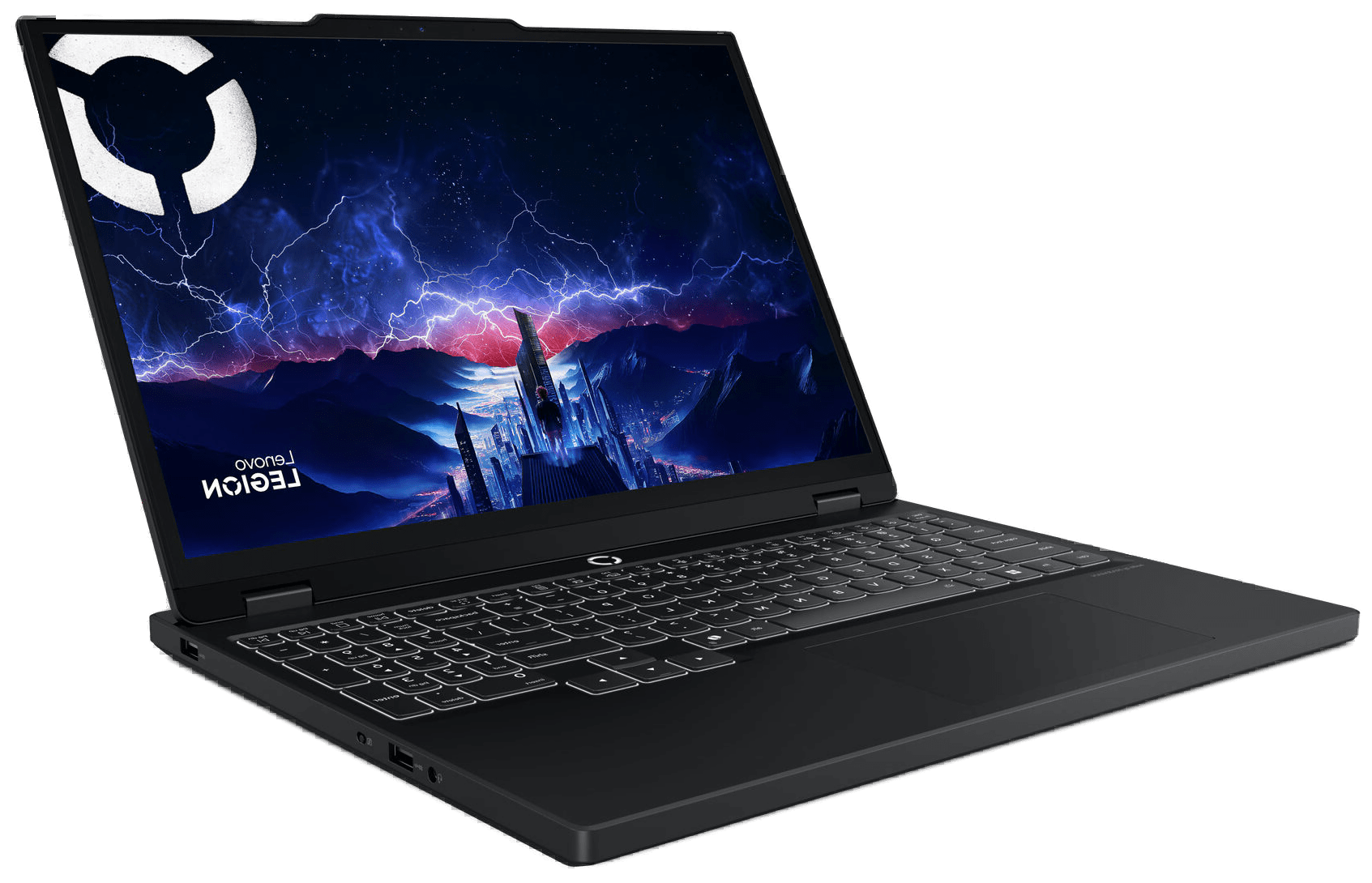
Lenovo Legion 5i Gen 10
Pros
- OLED display with 1,000 nits HDR and 100% DCI-P3 at the lowest price on this list
- 115W RTX 5070 handles 1440p at high-to-ultra settings in most AAA titles
- Clean, understated chassis that works in professional settings
Cons
- Base config ships with 16GB RAM and 512GB storage, both likely need upgrading within a year
- Fan noise gets loud under sustained gaming loads
- Battery drains fast during GPU-heavy tasks
Specifications
OLED Display and 115W RTX 5070
The Legion 5i Gen 10 starts around $1,500 and delivers something that did not exist at this price twelve months ago: a 15.1-inch OLED display paired with an RTX 5070 running at 115W. The OLED panel peaks at 1,000 nits in HDR and covers 100% DCI-P3. Colors are richer, blacks are deeper, and response times sit below 1ms. Every IPS screen on this list looks flat next to it.
Gaming Performance and Cooling
Performance matches the screen. The RTX 5070 at 115W handles 1440p gaming at high-to-ultra settings without dramatic throttling, and the thermal design keeps things composed through extended sessions. Tom's Guide gave it a 4.5/5 for this exact balance of display quality and sustained gaming output.
Clean Chassis Design and Portability
The chassis does not announce itself as a gaming machine. Clean lines, no aggressive vents, no RGB strips across the lid. It works in a coffee shop or a meeting room. At 4.6 lbs, it is lighter than most 16-inch gaming laptops and closer to ultrabook territory.
RAM and Storage Upgradability
The base config ships with 16GB RAM and 1TB of storage. Both are upgradeable (two SODIMM slots, two M.2 bays), but plan on spending an extra $80-120 on a second SSD within the first year. If you can stretch to a 32GB config at checkout, do it.
ASUS ROG Strix G16 - Best All-Rounder
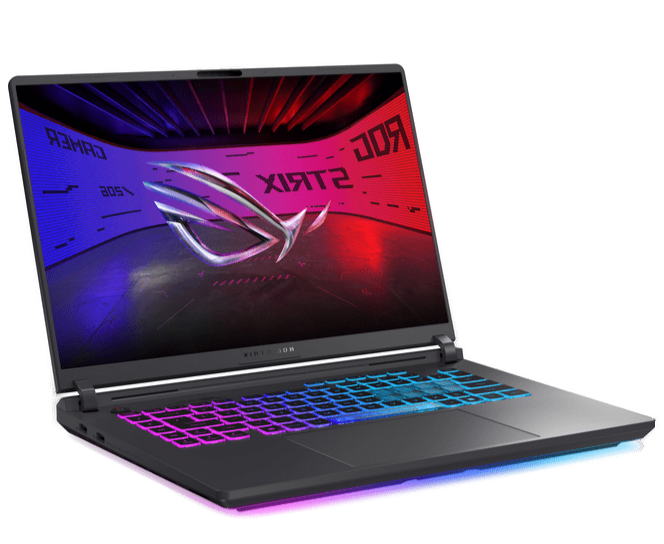
ASUS ROG Strix G16 (2025)
Pros
- Tri-fan vapor chamber cooling sustains performance through multi-hour sessions
- AMD Ryzen 9 handles heavy multitasking and streaming alongside gaming
- Tactile keyboard with per-key RGB is one of the best in this class
Cons
- FHD+ 165Hz display at this price tier is behind competitors shipping 1440p panels
- No OLED option without jumping to the $2,399+ RTX 5070 Ti config
- Chassis design is carried over from the previous generation
Specifications
16-Inch QHD+ 240Hz IPS Display
The ROG Strix G16 at $1,749 pairs an Intel Core Ultra 9 275HX with an RTX 5070 Ti and a 16-inch QHD+ 2560×1600 240Hz IPS display. This is not a display compromise machine. The 2.5K panel and 240Hz refresh rate put it ahead of every laptop at this price on pure screen spec.
Tri-Fan Vapor Chamber Cooling
What separates the Strix G16 from cheaper gaming laptops is the cooling. The ROG Intelligent Cooling system uses a tri-fan layout with a vapor chamber, and it shows during extended sessions. You can push this machine hard for hours and surface temps stay manageable. The GPU holds its draw without the throttling you see in thinner competitors after 15-20 minutes.
Keyboard and RGB Lighting
The keyboard is a highlight. Tactile switches, well-spaced keys, per-key RGB backlighting that does not look cheap. The light bar along the chassis base adds a subtle design element. For gaming and productivity typing over long stretches, it is one of the better keyboards at this price.
32GB DDR5 and Overall Value
32GB DDR5 ships standard, which is the right call at this price tier. For buyers who pushed against the Helios Neo on display quality, the Strix G16 answers that objection directly—same 2.5K 240Hz panel, better sustained cooling, higher-wattage GPU, for $150 more.
Acer Predator Helios Neo 16S AI - Best OLED Mid-Range
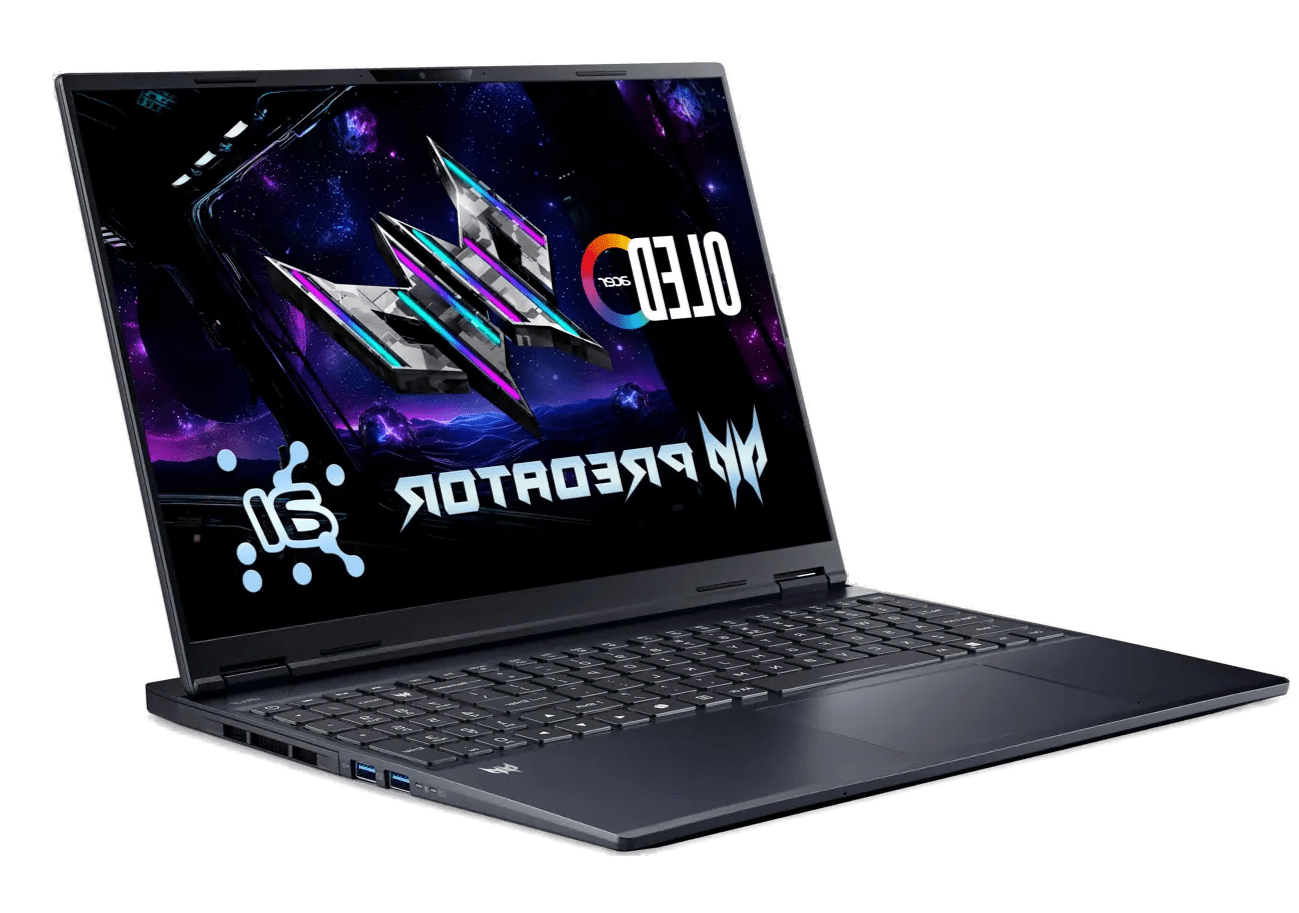
Acer Predator Helios Neo 16S AI
Pros
- RTX 5070 Ti with OLED 240Hz display for under $1,900, nothing else matches this combination
- Under 20mm thin at 2.3kg, lighter than most laptops with this GPU
- Two M.2 slots and user-upgradable 32GB DDR5 RAM
Cons
- RTX 5070 Ti runs at 115W TDP, lower than what thicker chassis machines pull
- Speaker quality is average for the price
- Fan noise is noticeable under sustained gaming loads
Specifications
Unmatched RTX 5070 Ti Value
At $1,899, the Helios Neo 16S AI puts together a spec sheet that makes everything else at this price look overpriced: RTX 5070 Ti GPU, 16-inch OLED at 2560x1600 and 240Hz, Intel Core Ultra 9 275HX, 32GB DDR5, and a chassis that measures under 20mm thick. That is an RTX 5070 Ti with a 240Hz OLED for less than two grand.
240Hz OLED Display Quality
The display is the centerpiece. Full OLED contrast at 240Hz makes AAA titles feel noticeably different from what IPS panels deliver, and paired with DLSS 4 multi-frame generation, modern games look and feel a generation ahead. For video editing and creative work, the color-accurate OLED and the Core Ultra 9's raw CPU throughput make this a capable production machine too.
Slim Design and Portability
At 2.3kg (~5.1 lbs), it is lighter than most performance laptops in this tier. The slim profile and reasonable weight make it portable in a way that 17 and 18-inch machines are not.
115W TGP Gaming Performance
The trade-off is the RTX 5070 Ti's TDP. At 115W in this thin chassis, it runs below the chip's maximum sustained wattage. Thicker machines like the Legion Pro 7i push the same GPU harder. In practice, the difference shows up in extended benchmark runs and sustained heavy loads. For gaming sessions of 1-2 hours, the performance gap is small enough that the display and portability advantages outweigh it. Creative Bloq scored it 90/100, with top marks for the display and value.
ASUS ROG Strix G18 - Best Big-Screen Pick
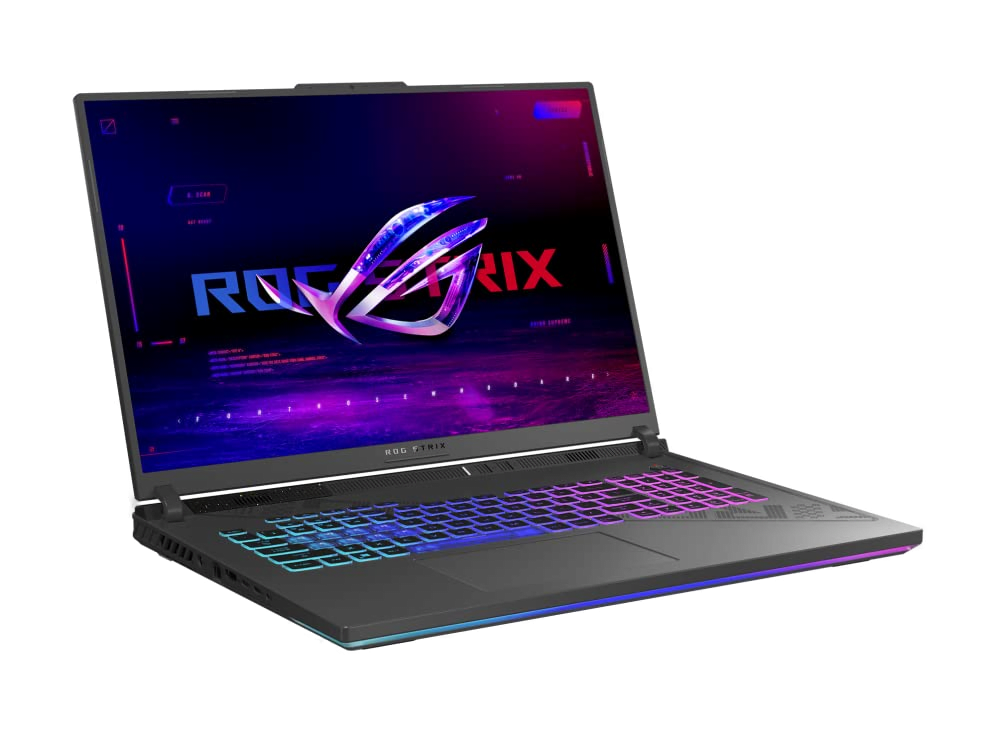
ASUS ROG Strix G18 (2025)
Pros
- 18-inch 2.5K 240Hz Nebula display is the largest and most immersive on this list
- Tri-fan cooling handles sustained loads without constant fan whine
- Full-size keyboard and above-average speakers make it a proper desktop replacement
Cons
- At 3.2kg (~7 lbs), this is not a portable machine
- Some configs ship with 16GB RAM, which limits multitasking headroom
- RTX 5070 feels underspecced for a chassis that could handle 5080 or higher
Specifications
An 18-Inch Desktop Replacement
Not everyone wants to game on a 15 or 16-inch panel for six hours straight. If you are building a desktop replacement that stays on a desk 95% of the time, the ROG Strix G18 is the obvious pick.
240Hz Nebula Display and 140W RTX 5070
The 18-inch 2.5K 240Hz ROG Nebula display makes everything feel more immersive. Open-world games have more breathing room, tactical shooters give you a wider field of view, and UI elements do not crowd the screen. Paired with the Intel Core Ultra 9 275HX and RTX 5070 running at 140W, the G18 pulls more GPU headroom than any 16-inch machine in this price range. The higher 140W TGP is a measurable advantage in sustained workloads compared to the 115W configurations found in slimmer competitors.
Tri-Fan Cooling and Premium Audio
The tri-fan cooling keeps fan noise manageable during sustained loads. The speaker system is notably better than what most gaming laptops ship with, which matters when this is your primary home machine. The 2TB Gen 4 SSD gives you serious storage headroom for game libraries without immediately needing an upgrade.
Weight and Portability Trade-offs
At ~7 lbs, you are not carrying this in a backpack to class. The weight is the price of the 18-inch chassis and serious thermal headroom. If portability is not on your list of requirements, this is the most screen real estate and sustained performance you can buy under $2,500.
Lenovo Legion Pro 7i Gen 10 - Best Overall Performance
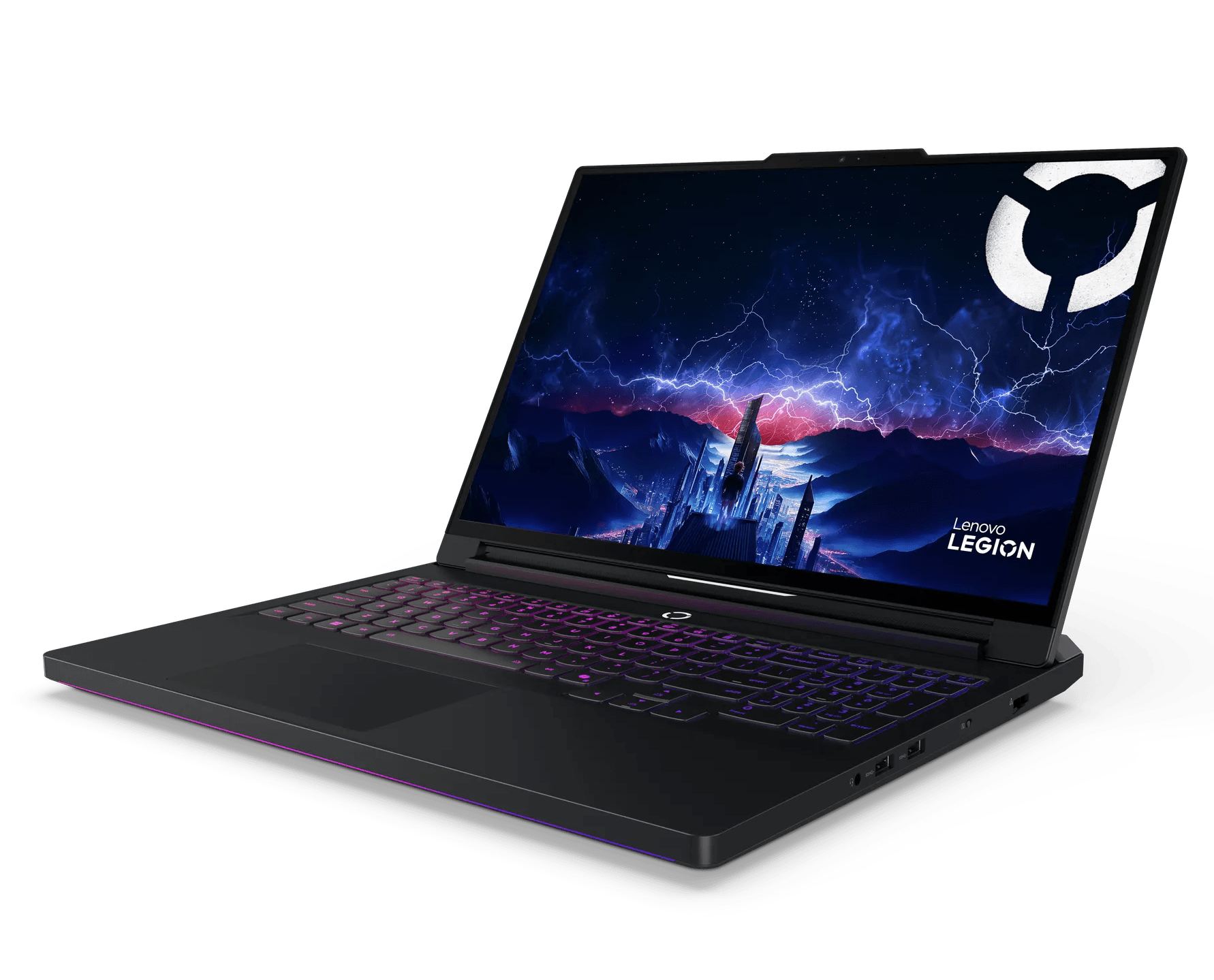
Lenovo Legion Pro 7i Gen 10
Pros
- RTX 5070 Ti runs at higher sustained TDP than in slimmer machines, producing measurable performance gains
- 250W vapor chamber cooling sustains peak clocks through marathon sessions, not just sprint benchmarks
- 32GB dual-channel DDR5 and Wi-Fi 7 out of the box, no immediate upgrades needed
Cons
- Heavy and thick chassis, not designed to compete with thin-and-light portables
- Battery life reflects its performance-first priorities
- Price can stretch past $2,500 in higher configurations
Specifications
Uncompromised RTX 5070 Ti Performance
If raw performance is the priority and you want the fastest gaming laptop under $2,500, the Legion Pro 7i ends the search. The RTX 5070 Ti runs at higher sustained wattage here than in thinner machines like the Helios Neo 16S, and that translates to real, measurable frame rate differences in demanding titles.
250W Vapor Chamber Cooling
The Legion Coldfront cooling system uses a 250W vapor chamber with high-performance thermal management. Where other laptops hold peak clocks for the first five minutes of a benchmark and then throttle, this one sustains them through multi-hour sessions. That is the difference between sprint performance and marathon performance, and the Legion Pro 7i is built for marathons.
240Hz OLED and Standard 32GB DDR5
The 16-inch 240Hz OLED display matches the Helios Neo's specs but sits in a larger thermal envelope, which means the GPU feeding it runs harder. 32GB of dual-channel DDR5 and Wi-Fi 7 ship standard. The keyboard is among the best in any gaming laptop: tactile, responsive, and built for extended play.
Weight and Battery Life Considerations
The trade-offs are weight and battery life. This is a thick, heavy machine built around sustained performance. It will not pass as a thin-and-light productivity laptop, and the battery reflects its performance-first engineering. If you game in one place and want the machine that benchmarks highest in this price range, this is it.
Which One Should You Buy?
- Buy the Legion 5i Gen 10 if you want the cheapest way into RTX 5070 + OLED territory. At ~$1,500, nothing matches the screen quality at this price. Upgrade the storage on day one.
- Buy the ROG Strix G16 if you need an RTX 5070 Ti all-rounder with reliable tri-fan cooling. The Intel Core Ultra 9 275HX and 32GB DDR5 make it the most future-proof mid-range option at $1,749.
- Buy the Helios Neo 16S if you want the best spec-to-price ratio on this list. An RTX 5070 Ti with a 240Hz OLED for under $1,900 is the most aggressive value play in this range.
- Buy the ROG Strix G18 if this machine stays on a desk and screen size is the priority. The 18-inch 240Hz panel is in a different class for immersion. Accept the weight.
- Buy the Legion Pro 7i if sustained raw performance matters more than anything else. The 250W vapor chamber and 140W RTX 5070 Ti produce the highest frame rates in this price range, period.
Product Comparison at a Glance
| Product | Brand | GPU (TGP) | Display | Weight | Best For | Action |
|---|---|---|---|---|---|---|
#1Lenovo Legion 5i Gen 10 | Lenovo | RTX 5070 (8GB GDDR7) | 15.1" 2560x1600 OLED 165Hz | ~4.6 lbs | Value Entry | |
#2ASUS ROG Strix G16 (2025) | ASUS | RTX 5070 Ti | 16" 2560x1600 IPS 240Hz | ~5.3 lbs | All-Round Gaming | |
#3Acer Predator Helios Neo 16S AI | Acer | RTX 5070 Ti (115W) | 16" 2560x1600 OLED 240Hz | ~5.1 lbs | Value + OLED | |
#4ASUS ROG Strix G18 (2025) | ASUS | RTX 5070 (140W) | 18" 2560x1600 IPS 240Hz | ~7.0 lbs | Big Screen | |
#5Lenovo Legion Pro 7i Gen 10 | Lenovo | RTX 5070 Ti (140W) | 16" 2560x1600 OLED 240Hz | ~5.8 lbs | Raw Performance |