
Our Picks

UPLIFT Desk V3 Dual Motor
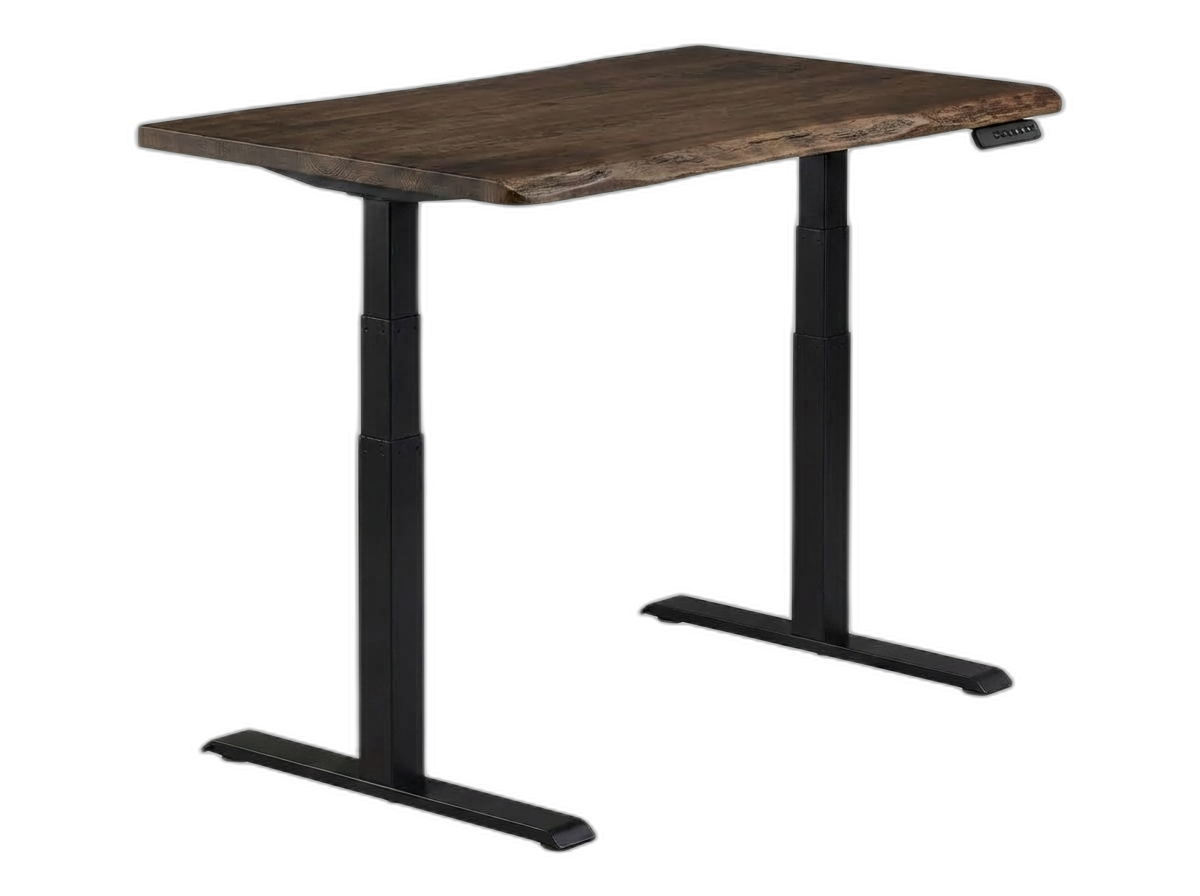
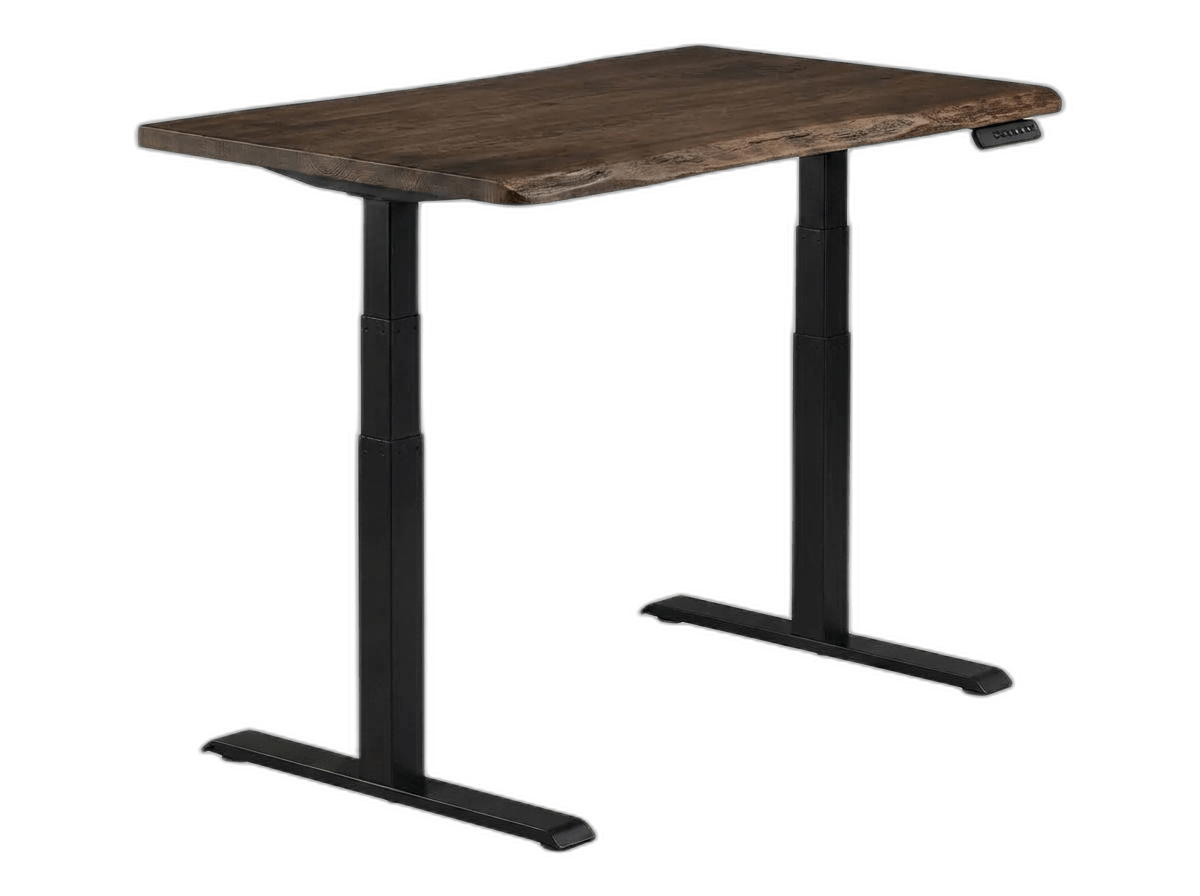
Vari Electric Standing Desk
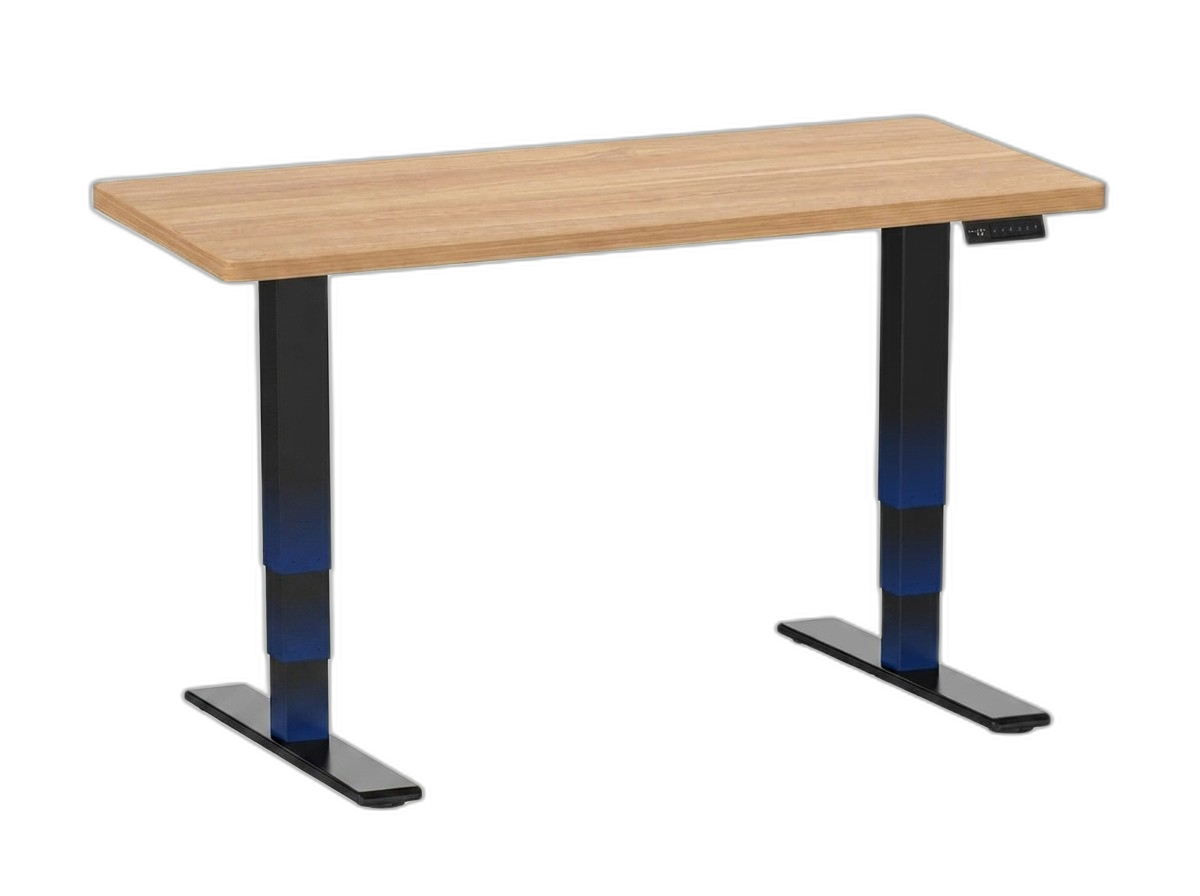
FLEXISPOT E6 MAX Dual Motor

ApexDesk Elite Pro Series
The Uncomfortable Truth About Standing Desks
Standing desks will not save your life. Let's get that out of the way.
A 2024 study tracking 80,000 adults in the UK found that standing still for hours is not much better than sitting for hours. Both carry risks. The standing desk industry spent a decade telling you that sitting is the new smoking and that standing up would fix it. That was always too simple.
What the research actually supports is movement — alternating between sitting and standing every 30 to 45 minutes. That pattern cuts down on neck and back pain, sharpens your afternoon focus, and lowers spinal compression compared to holding either posture all day.
So the value of a standing desk isn't standing. It's the ability to switch positions easily. A desk that wobbles, groans, or takes forever to adjust is a desk you'll stop adjusting. Within a month, it becomes a very expensive sitting desk.
That means the mechanism — motors, frame, height range — is the whole product. Everything else is furniture.
What Actually Matters in a Standing Desk
Dual Motors vs. Single Motor
Single-motor desks use one motor linked to both legs by a hex rod. They're simpler and work fine for light loads under 80 lbs. But when lifting heavy multi-monitor setups daily, all the strain lands on one unit. The motor runs hotter, gears wear faster, and the drive shaft becomes the single point of failure.
Dual motors split the load between two independent units. Half the stress per motor, longer lifespan, smoother lifting. All four desks in this guide are dual-motor because every one targets 200+ lb setups used multiple times daily.
The 60% Rule
Every desk lists a max weight capacity. Those numbers are real, but they're lab results from a single lift cycle. Your desk does 4-10 cycles a day, 250+ days a year, for a decade. Keep your daily load under 60% of the rated max. For a 355 lb desk, that means under ~210 lbs on top. Most home offices sit comfortably within that margin.
Wobble
Someone buys a standing desk, uses it for three weeks, notices the monitors shake when they type, gets frustrated, and stops raising it. This happens constantly.
Wobble at standing height is a physics problem — you're lifting a heavy platform 20+ inches on two narrow legs. Heavier steel frames, gusset plates near the motor housings, and wide adjustable feet all reduce it. No two-leg desk eliminates wobble at 48 inches completely, but the difference between coffee-ripple vibration and barely-there movement during typing is build quality.
Minimum Sitting Height
If a desk bottoms out at 29 inches, anyone under 5'6" sits with shrugged shoulders and elevated elbows. That causes neck pain within a week. A good desk drops to at least 24-25 inches. The UPLIFT V3 goes to 22.6" — usable down to 5'0" without a footrest.
The Control Box Problem
The control box — the small computer mounted under the desktop — fails before the motors do. If you buy from a no-name Amazon seller and the controller dies in 2029, you won't find a replacement part. Your electric desk becomes a heavy table. Buy from a brand that sells replacement parts and will exist in 10 years: UPLIFT, Vari, Flexispot, ApexDesk.
The 2026 Shortlist
Four dual-motor desks made the cut. Each hits the minimum bar for a BIFL purchase: real warranty coverage, parts availability, and a build that holds up to daily use over years — not months. They are not interchangeable; the right one depends on your height, load, and how much you value setup time versus long-term stability.
UPLIFT Desk V3 — Best Overall
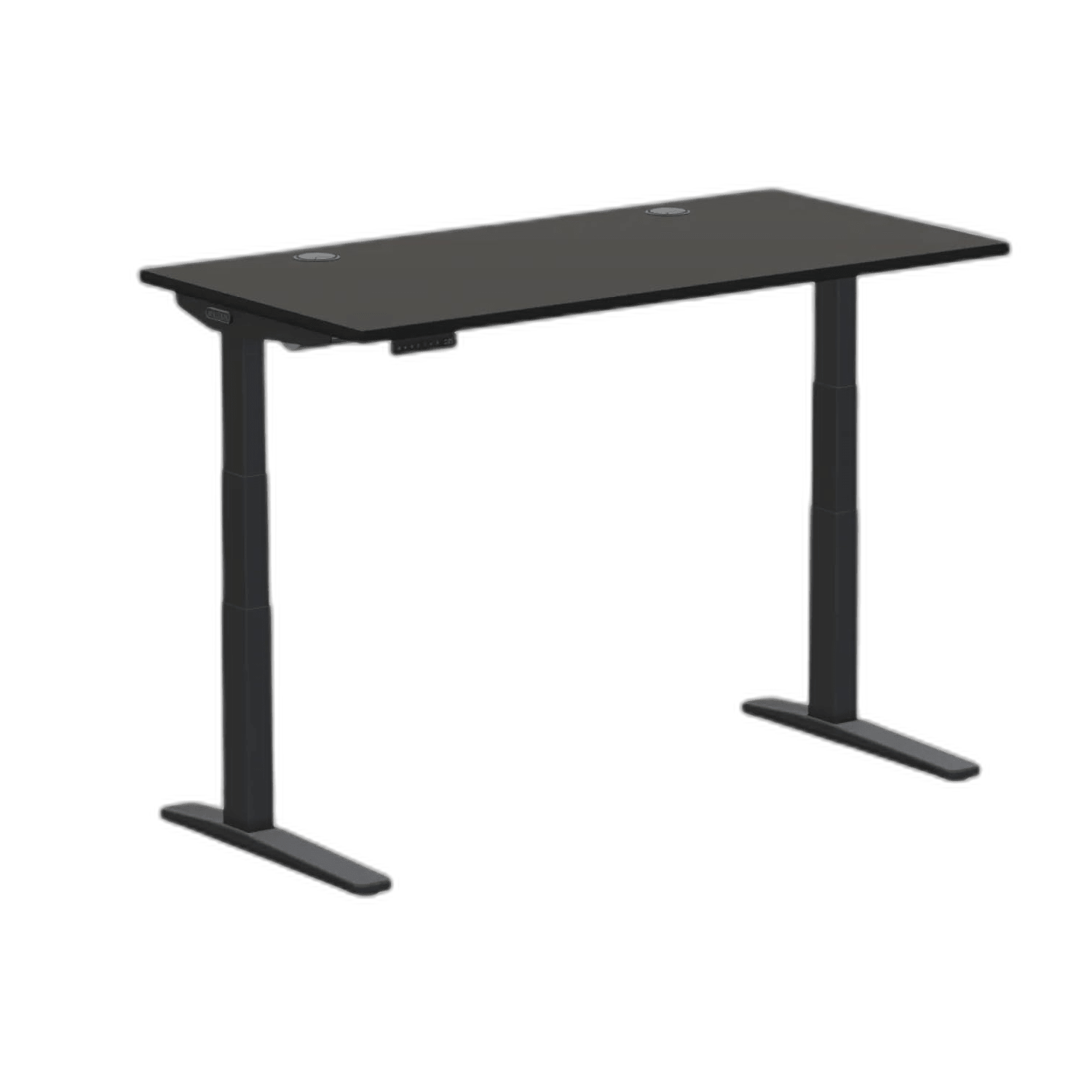
UPLIFT Desk V3 Dual Motor
Pros
- TremorGuard stability plates eliminate high-height wobble
- Drops down to 22.6 inches for shorter users
- Industry-leading 15-year warranty covers electronics
Cons
- Premium price point
- Accessories can quickly inflate the total cost
The V3 is the current benchmark. UPLIFT's "TremorGuard" system places reinforced steel plates over the motor housings, bridging the angle between the legs and the crossbar. At 42 inches — typical standing height for someone 5'10" — the desk feels planted. No visible monitor vibration during typing.
The height range is worth noting: 22.6" to 48.7". That floor number means shorter users can actually sit comfortably, which most competitors can't offer.
The warranty is the clincher — 15 years covering frame, motors, and electronics. In an industry where 3-5 years is standard and most warranties quietly exclude the electronics (the part most likely to break), this is rare.
The downsides: Price is steep, and the accessory ecosystem (trays, arms, grommets) inflates the bill fast. A fully loaded V3 can cross $1,200. Some Reddit users also report friction during warranty claims — UPLIFT sometimes asks for detailed video proof before sending replacements.
Vari Electric Standing Desk — Best for Zero-Hassle Setup
Vari Electric Standing Desk
Pros
- Patented 10-minute assembly process
- Commercial-grade stability and materials
- Beautiful continuous edge chamfer
Cons
- Crossbar might interfere with very tall users' knees
- More expensive base price
Vari made its name outfitting corporate offices — the kind that order 400 desks at once. That DNA shows.
Assembly is the best in the business. Vari pre-attaches the frame at the factory, so you're sliding two leg sets in and tightening six bolts. Fifteen minutes, one person, done. Compared to the hour-long ordeal most desks require, this is a different category.
The motor is noticeably quieter than Flexispot during transitions. Four memory presets. The "ComfortEdge" chamfer softens the front edge where your forearms rest — sounds minor, matters during long sessions.
Warranty is "Lifetime" for the original buyer, covering materials and workmanship. Because Vari supplies Fortune 500 companies, replacement parts will be available for a long time.
The downsides: The crossbar can interfere with knee clearance for tall users at low sitting heights. Price is on the higher end — you're paying for the commercial heritage and easy assembly.
FLEXISPOT E6 Max — Best Value
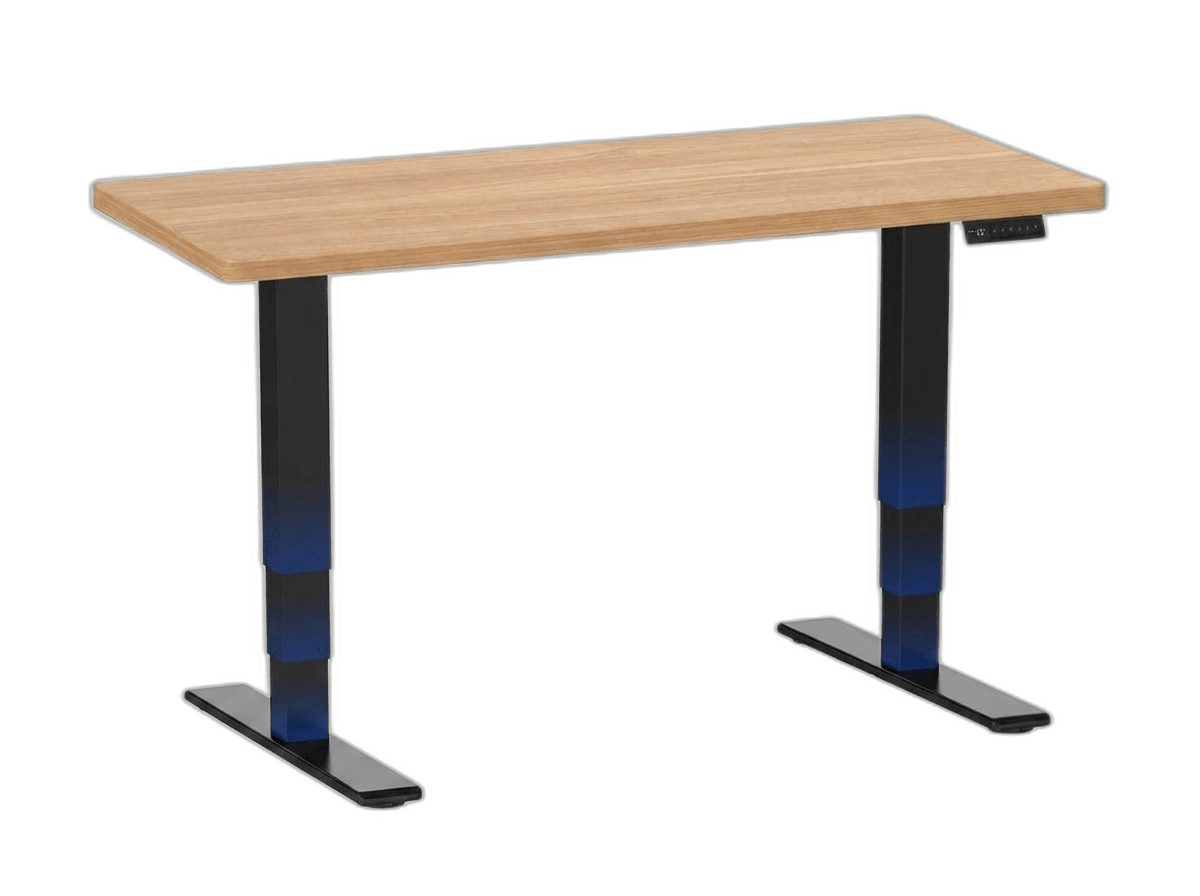
FLEXISPOT E6 MAX Dual Motor
Pros
- Massive 352 lb absolute max capacity
- Seamless, one-piece solid slab desktop
- Integrated USB charging port on the keypad
Cons
- Less premium aesthetics than UPLIFT or Vari
- Customer service can be slower
Flexispot's push into the premium tier. Dual motors, 352 lb rated capacity, 24.4" to 50" height range, sub-50dB operation — at roughly half the UPLIFT V3's price.
The most notable feature is a seamless, one-piece desktop. Most desks in this bracket ship the tabletop in two halves with a visible seam down the middle. The E6 Max skips it. No ridge catching your mouse pad, no visual line splitting your workspace.
The keypad adds a sit/stand reminder timer and USB-A charging port. The 10-year warranty on frame and motors is solid for this price.
The downsides: Monitor wobble at max height is more noticeable than on the UPLIFT or Vari — that is part of what the price difference buys you. If you run 27"+ monitors on arms, expect some vibration at standing height. Check packaging carefully on arrival; a small number of owners report shipping damage on the desktop slab.
ApexDesk Elite Pro Series — Best Desktop Ergonomics

ApexDesk Elite Pro Series
Pros
- Curved ergonomic front edge for better wrist support
- Crossbar-free design provides massive legroom
- Extremely scratch-resistant high-pressure laminate
Cons
- Desktop is very heavy and hard to move
- Aesthetic is slightly dated
The ApexDesk does one thing no other desk here does: a concave, curved front edge.
The crescent cutout on the 60" x 27" desktop lets you sit 2–3 inches closer to center. Monitors move nearer, forearms rest fully on the surface, and shoulders drop — small adjustments that compound into real comfort over an 8-hour day. For anyone running multiple monitors for long sessions, this shape is worth paying attention to.
The frame uses a single center beam instead of a crossbar — nothing between the legs. If you are tall and stretch your legs forward while seated, this is the only desk on the list that will not interfere.
The downsides: Stability is the trade-off. The ApexDesk wobbles more than the other three at standing height — fine for general productivity, frustrating for precision work. The warranty is the weakest here; electronics coverage is often capped at 2 years, which means a dead control box in year three comes out of your pocket. Weight capacity is also the lowest at 235 lbs. With the 60% rule, that means targeting under ~160 lbs of equipment — tight for a multi-monitor, PC-on-desk setup.
Don't Skip These Two Accessories
Cable management tray. Your desk moves 20+ inches vertically. Without a tray to manage slack, raising the desk rips HDMI cables out of monitors. Mount a surge protector to the underside of the tray, plug everything in, and run one cord to the wall. The UPLIFT V3 includes a tray; for others, budget $25-40 for a steel raceway.
Anti-fatigue mat. Standing on hard floor for 30-60 minutes causes heel pain by the end of week one. A 3/4" mat ($40-60) makes standing comfortable instead of something you endure.
The Decision Framework
The UPLIFT V3 is the straightforward answer if budget is not the constraint. The 15-year electronics warranty puts it in a category most desks cannot reach — and the TremorGuard stability system means it actually stays stable at height, which is the whole point.
Buy the Vari if you value your Saturday morning. Painless 15-minute assembly, commercial-grade build, lifetime warranty from a company that outfits corporate offices and will have parts available for years. You pay for that peace of mind.
The FLEXISPOT E6 Max is the value case — 352 lb rating, one-piece desktop, 10-year warranty, at roughly half the UPLIFT's price. The stability trade-off is real but manageable if you are not running heavy monitor arms at max height.
Buy the ApexDesk Elite Pro if you spend all day at the desk and the curved front edge would genuinely improve your comfort. Go in clear-eyed on the wobble and the limited electronics warranty.
No standing desk lasts forever — motors have a finite lifespan. But a dual-motor desk kept under 60% load will serve you for 8–15 years. A $200 budget desk fails in 2–3. Same BIFL math as always: pay once, or pay less three times and throw away more furniture. If you are also upgrading your chair, see our best ergonomic office chairs guide — a good desk and chair pair makes the whole setup work.
Product Comparison at a Glance
| Product | Brand | Weight Capacity | Height Range | Warranty | Standout Feature | Action |
|---|---|---|---|---|---|---|
#1UPLIFT Desk V3 Dual Motor | UPLIFT Desk | 355 lbs | 22.6" - 48.7" | 15 Years | TremorGuard Stability | |
#2Vari Electric Standing Desk | Vari | 200+ lbs (Commercial Grade) | 25" - 50.5" | Limited Lifetime | 10-Minute Assembly | |
#3FLEXISPOT E6 MAX Dual Motor | FLEXISPOT | 352 lbs | 24.4" - 50" | 10 Years | One-Piece Seamless Desktop | |
#4ApexDesk Elite Pro Series | ApexDesk | 235 lbs | 30" - 49" | Varies | Curved Ergonomic Edge |