Our Picks
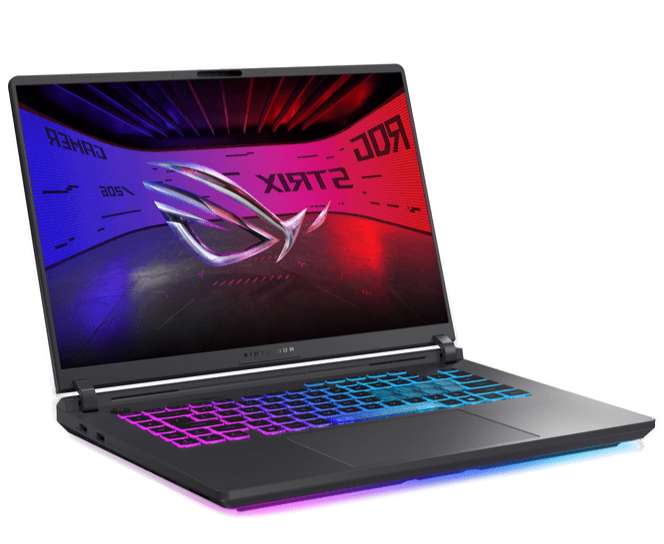
ASUS ROG Strix G16 (2025)
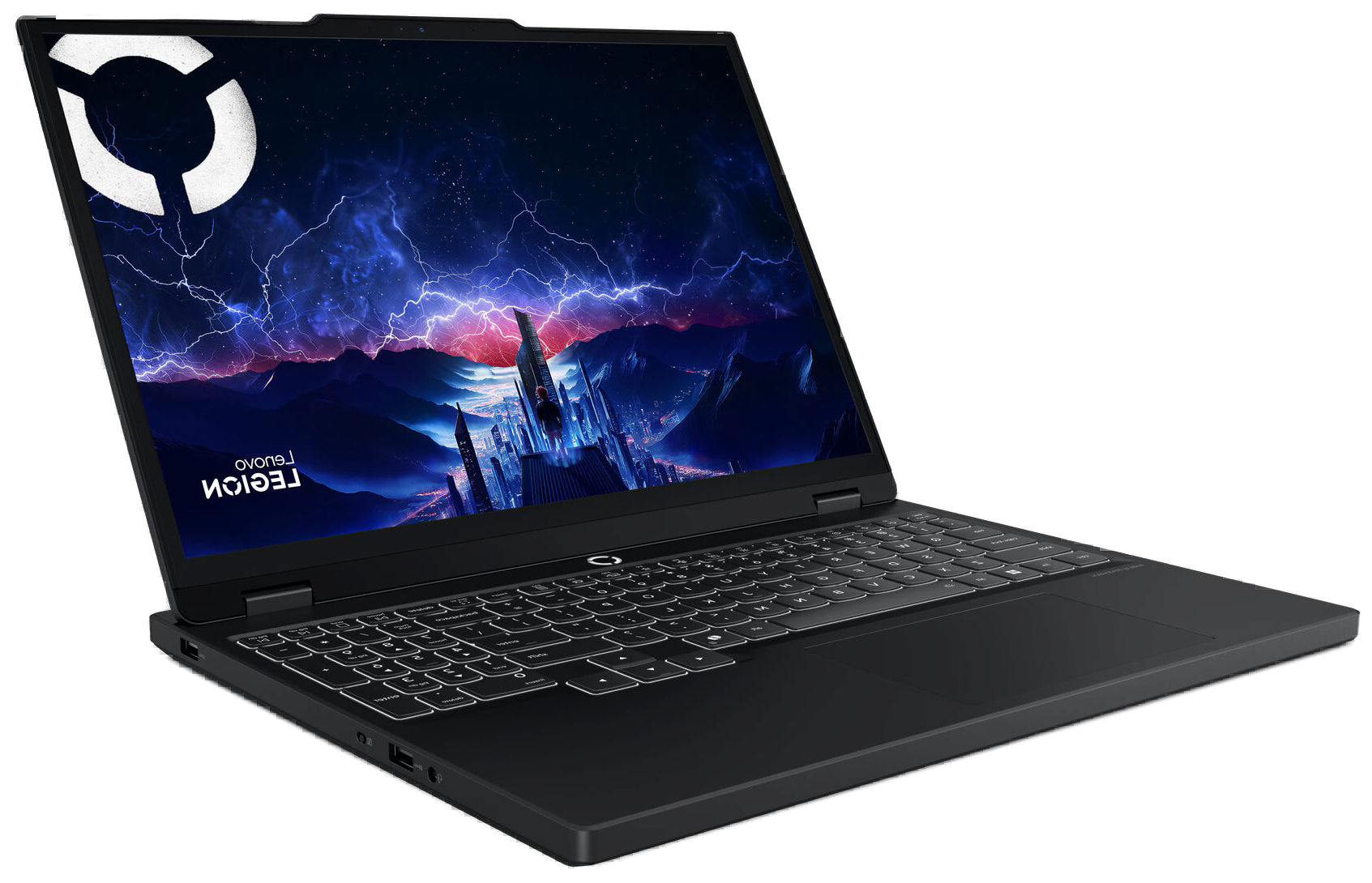
Lenovo Legion 5 Gen 10 (OLED)
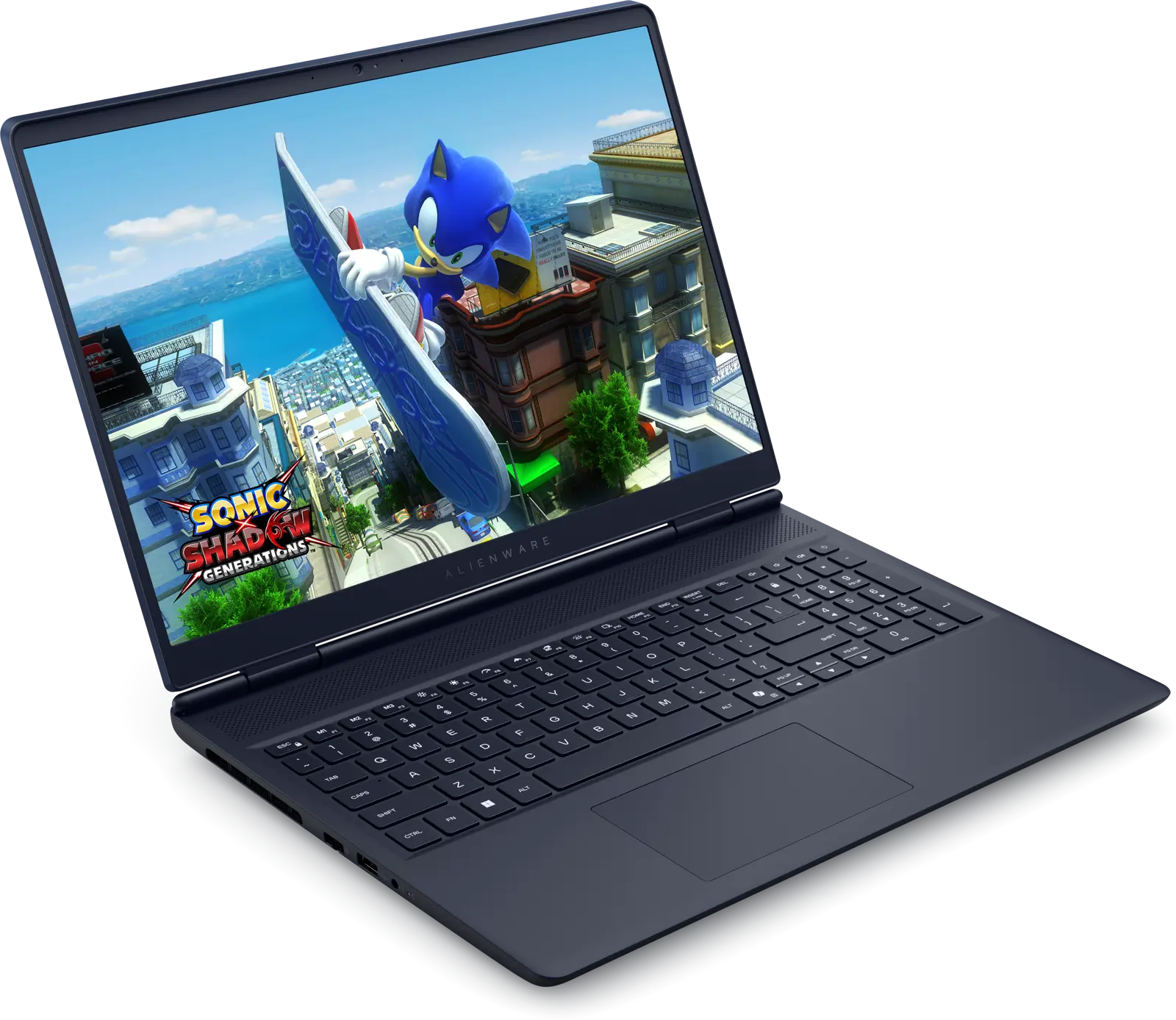
Alienware 16 Aurora
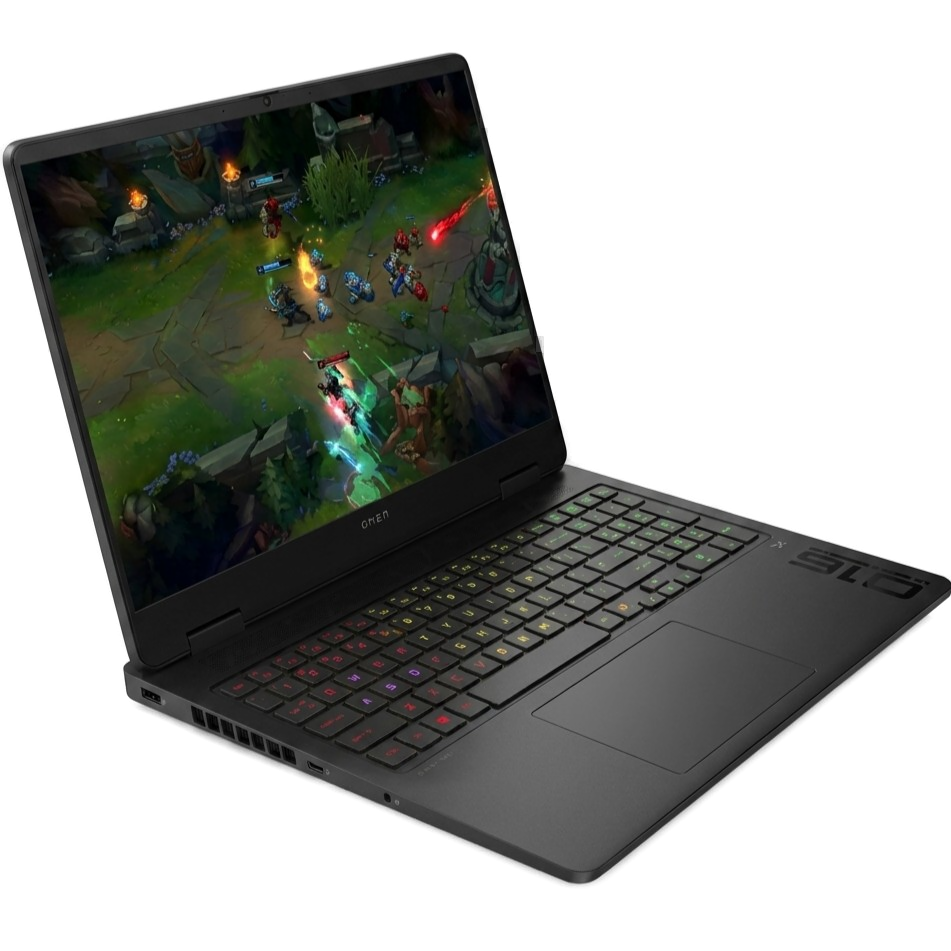
HP Omen 16 Slim
What Changed
The RTX 50-series changed the math for gaming laptops under $1,500. A year ago, this budget got you an RTX 4060 with DLSS 3 and you called it a win. Now the same money buys an RTX 5060 on NVIDIA's Blackwell architecture with DLSS 4 and Multi Frame Generation. The GPU has leapfrogged. The question is whether the rest of the laptop kept up.
Here is the thing most buyers miss: two laptops can both say "RTX 5060" on the spec sheet and perform 30% differently in the same game. The reason is TGP (Total Graphics Power), the wattage the laptop feeds the GPU. A 115W RTX 5060 trades blows with the RTX 5070. An 80W version barely outpaces last year's RTX 4060. Manufacturers rarely advertise this number on the product page. We checked it for every laptop on this list.
We filtered the current under-$1,500 market down to four laptops. Each one fills a specific role. No overlap, no filler picks.
What Actually Matters When Buying a Gaming Laptop in 2026
GPU Wattage, Not GPU Name
The RTX 5060 exists in configurations ranging from 80W to 115W. At 115W, it competes with the RTX 5070 in many games thanks to DLSS 4's Multi Frame Generation. At 80W, it barely edges past last year's RTX 4060. Always check the TGP before buying. If the manufacturer doesn't list it, that's usually because the number isn't flattering.
Display: Refresh Rate vs Resolution
You are choosing between high refresh rate at 1080p (great for competitive shooters, easier on the GPU) and higher resolution at 1440p+ (sharper image, heavier GPU load). OLED panels add infinite contrast and sub-millisecond response times, but cost more and carry a burn-in risk with static elements like game HUDs and Windows taskbars.
Cooling Architecture
A laptop's cooling system determines how long the GPU can hold its rated TGP. Poor cooling means thermal throttling, where the GPU drops below its advertised clock speeds within minutes. Triple-fan setups and vapor chambers separate the machines that sustain performance from the ones that overheat during long sessions.
RAM: Check the Channel Configuration
Single-channel RAM can cost you 10-15% in gaming frame rates compared to dual-channel. Some manufacturers ship 16GB as a single stick to cut costs. If yours does, buying a second identical stick is the cheapest performance upgrade you will ever make.
ASUS ROG Strix G16 - Best Overall
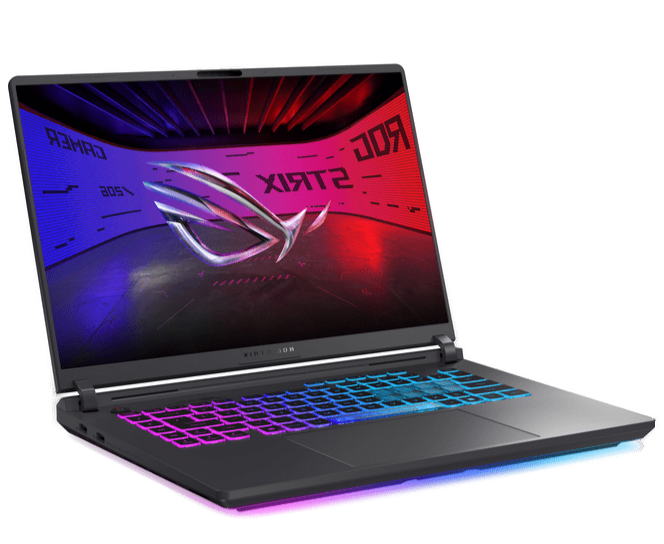
ASUS ROG Strix G16 (2025)
Pros
- Full 115W GPU TGP, the highest in this price class
- Triple-fan cooling with liquid metal and vapor chamber sustains performance
- 165Hz display is ideal for competitive multiplayer
Cons
- 1920x1200 display lacks the sharpness of 1440p competitors
- Heavier than the Legion 5 and Omen Slim at ~5.5 lbs
- Average battery life, typical for this cooling system
Specifications
The ROG Strix G16 runs the fastest version of the RTX 5060 available in this price class: a full 115W configuration that, combined with DLSS 4's Multi Frame Generation, puts it within striking distance of the RTX 5070 in modern titles like Cyberpunk 2077 and Alan Wake 2. The Intel Core i7-14650HX (16 cores, 24 threads) handles game logic, background processes, and streaming software without becoming a bottleneck.
ASUS packed the cooling system with triple fans, liquid metal thermal compound on the CPU, and a vapor chamber. During extended gaming sessions, surface temperatures stay manageable and the GPU maintains its 115W power draw without throttling. That sustained power delivery is what separates it from cheaper RTX 5060 laptops that quote 115W but can't hold it past ten minutes.
The 16-inch, 1920x1200, 165Hz display is the one spec that divides opinion. It is a 1080p-class panel in a market where competitors are shipping 1440p OLEDs. For competitive gaming, the lower resolution is actually an advantage: the GPU pushes higher frame rates with less effort, keeping you closer to that 165Hz ceiling in multiplayer titles like Valorant and CS2. For cinematic single-player experiences or content creation, the Legion 5's OLED is the better screen.
At its current price of ~$1,399, this is the performance-per-dollar leader in the entire under-$1,500 segment. You will not find a faster gaming laptop at this price.
Lenovo Legion 5 Gen 10 - Best Display
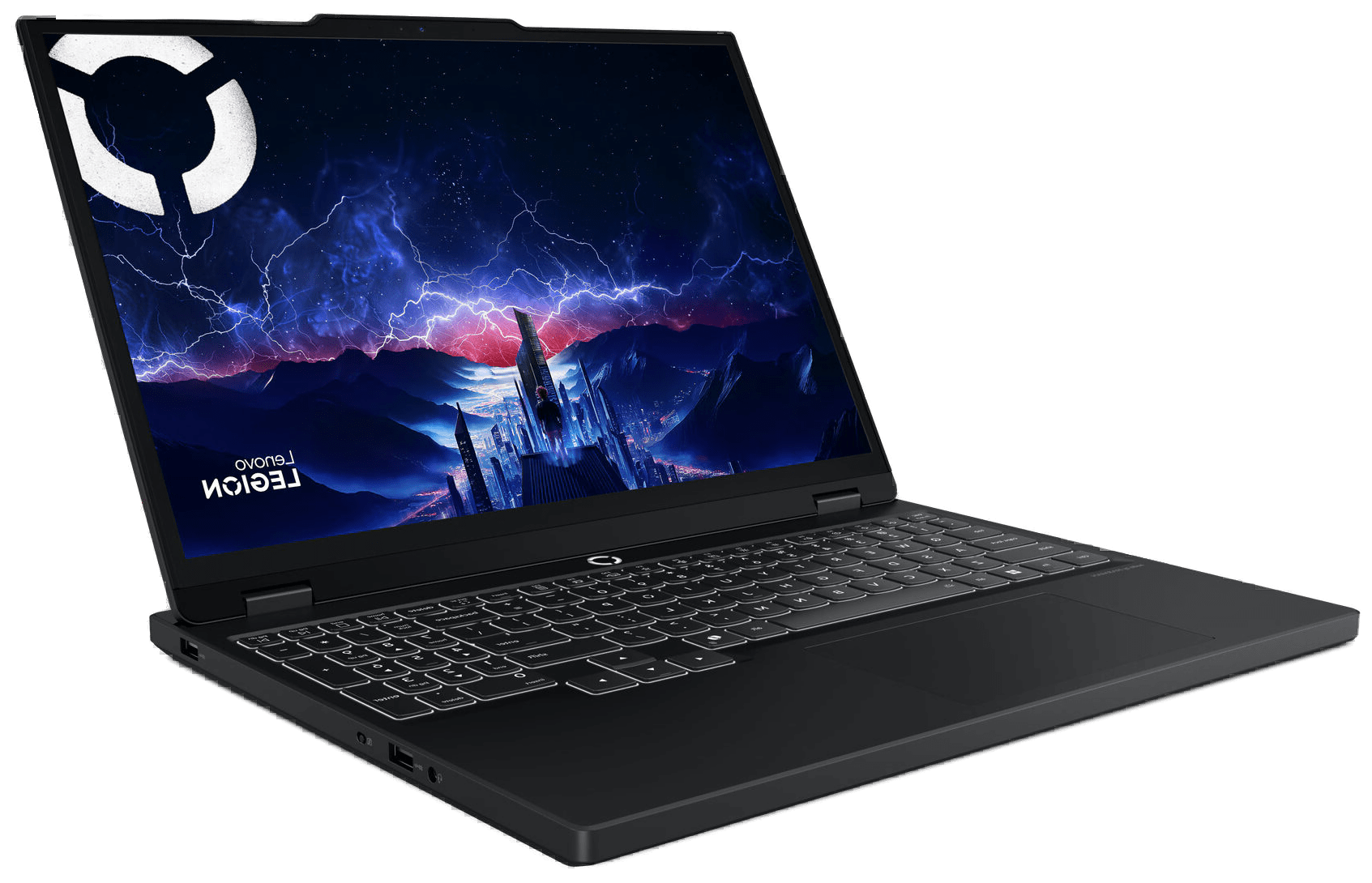
Lenovo Legion 5 Gen 10 (OLED)
Pros
- OLED display with 2560x1600 resolution, nothing else under $1,500 matches it
- 115W GPU TGP matches the ROG Strix for raw performance
- Two SODIMM + two M.2 slots for full upgradeability
Cons
- OLED burn-in risk with static UI elements over time
- 80Whr battery drains fast under gaming loads
- 15.1-inch screen is slightly smaller than the 16-inch competition
Specifications
The OLED display is the story here, and it earns that position. The 15.1-inch, 2560x1600, 165Hz panel produces colors that make every IPS screen on this list look flat. Response times sit below 1ms. HDR content actually looks like HDR. If you edit photos, cut video, or spend hours looking at your screen outside of games, no other laptop under $1,500 gives you this level of visual quality.
Under the screen, the specs match the ROG Strix punch for punch. The RTX 5060 runs at the same 115W TGP, paired with an AMD Ryzen 7 260 processor, 16GB DDR5-5600 RAM, and a 1TB Gen 4 SSD. Upgradeability is where Lenovo pulls ahead of every other laptop here: two SODIMM RAM slots and two M.2 SSD slots mean you can max out the memory and storage without dealing with soldered components.
At roughly 4.1 lbs, it is the lightest laptop on this list by a wide margin. The 80Whr battery will not survive a transatlantic flight of gaming, but for everyday use and light productivity you will get through most of a workday without the charger.
The OLED tradeoff: burn-in is a real concern if you leave static elements on screen for extended periods. Windows taskbars, game HUDs, and browser bookmark bars can leave faint ghost images over months of use. Lenovo includes pixel-shift mitigation, but it is worth knowing about if you plan to use this as a primary desktop replacement with the same apps open eight hours a day.
Alienware 16 Aurora - Best Premium Design
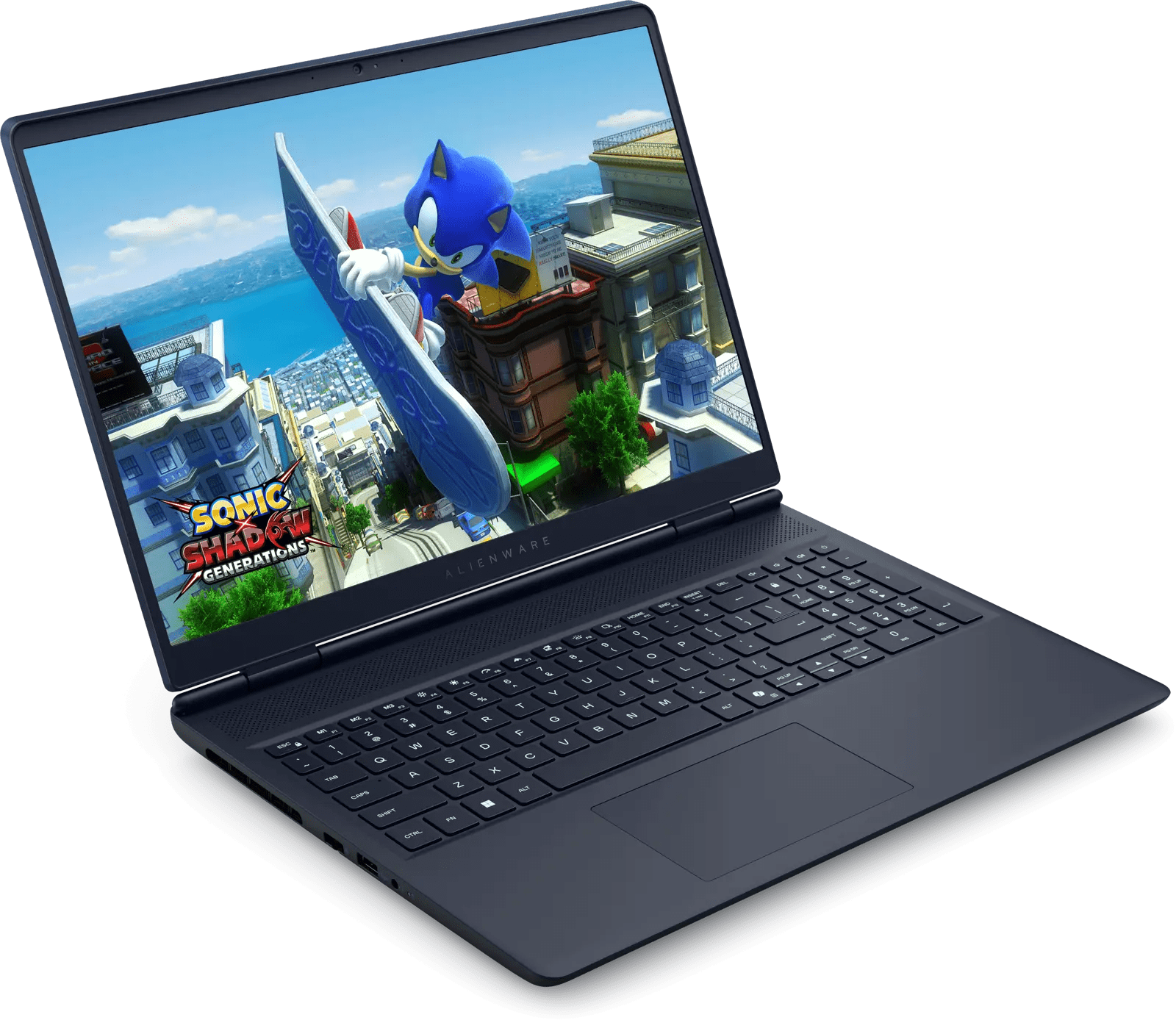
Alienware 16 Aurora
Pros
- Premium build quality and Interstellar Indigo design are unmatched
- Sharp 2560x1600 16:10 display with excellent calibration
- Cryo-Chamber cooling keeps noise manageable
Cons
- 80W GPU TGP is 30%+ lower than the ROG Strix and Legion 5
- 120Hz refresh rate is the slowest on this list
- You pay an Alienware premium for design, not performance
Specifications
The Alienware 16 Aurora looks and feels like a $2,000 laptop. The Interstellar Indigo finish, the redesigned Cryo-Chamber cooling architecture, the 16:10 WQXGA display at 2560x1600 resolution. This is the most accessible entry into the Alienware lineup in years, and the build quality reflects it. The materials, the hinge mechanism, the keyboard deck, all of it communicates premium hardware.
Now for the honest part. The RTX 5060 inside this machine runs at 80W TGP. The ROG Strix G16 and Legion 5 both run theirs at 115W. That is a 35W deficit, which translates to roughly 15-25% less gaming performance depending on the title and resolution. You are paying an Alienware premium here, and that premium buys you design, build quality, and brand experience. It does not buy you the fastest GPU in this class.
The Intel Core 7 240H is a 10-core chip (6 performance, 4 efficiency) running up to 5.2 GHz. For gaming, it is more than adequate. For heavy multitasking or video rendering, it falls behind the 16-core i7-14650HX in the ROG Strix and the Ryzen 7 260 in the Legion 5. The 120Hz display is sharp and well-calibrated at 2560x1600, but competitive gamers will feel the gap between 120Hz and the 165Hz or 240Hz panels on the other laptops here. For single-player RPGs and story-driven games, 120Hz is perfectly fine.
Who should buy this? Someone who values the total package. The look, the feel, the experience of owning an Alienware. If your priorities are frame rates and price-to-performance, the ROG Strix or Legion 5 are objectively better choices. But if you open your laptop in public and want it to turn heads, this is the one that does it.
HP Omen 16 Slim - Best for Portability
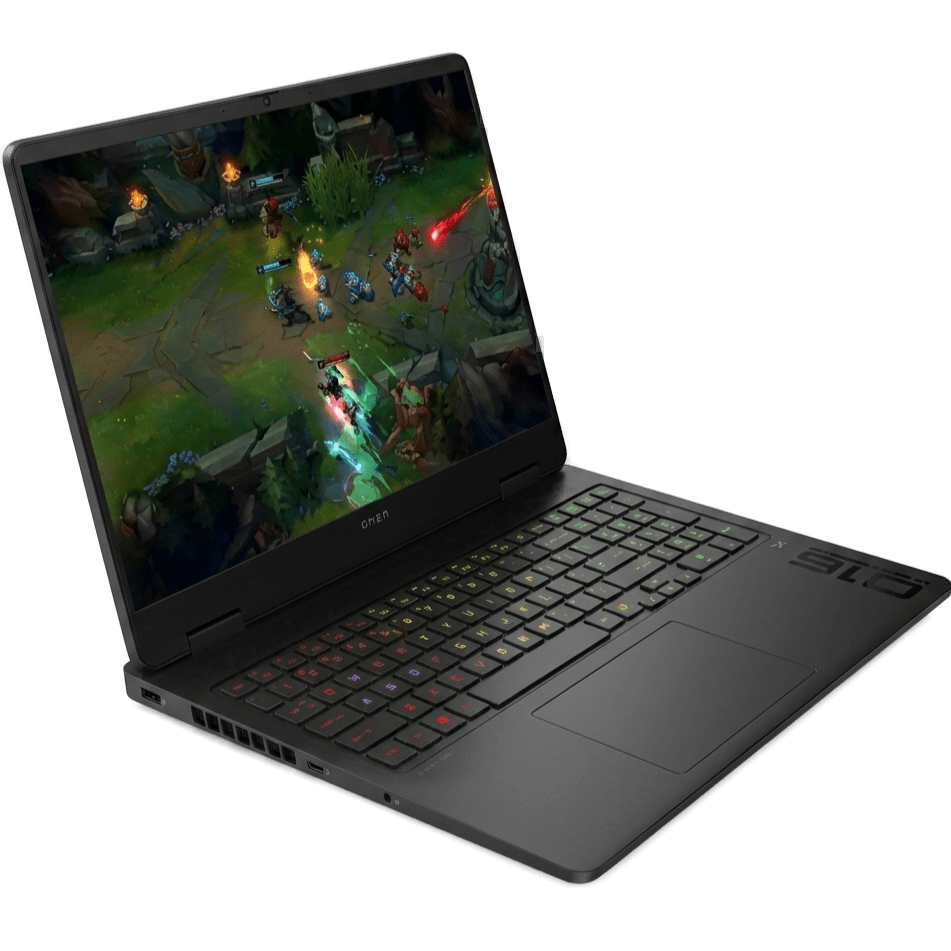
HP Omen 16 Slim
Pros
- Slim 19.9mm chassis doesn't look like a gaming laptop
- 240Hz display is the fastest refresh rate on this list
- Arrow Lake CPU offers better power efficiency than older Intel chips
Cons
- Slim chassis limits sustained cooling under heavy loads
- IPS display can't match the Legion 5's OLED contrast
- Thermal throttling appears sooner during extended gaming marathons
Specifications
Every other laptop on this list announces itself as a gaming machine to some degree. The Omen 16 Slim doesn't. At 19.9mm thin (about 0.78 inches), it is the laptop you carry to a university lecture, pull out at a client meeting, and then game on at night without anyone raising an eyebrow. HP built this for people who need one machine for everything and don't want it covered in RGB accents.
The Intel Core Ultra 7 255H brings Arrow Lake architecture to the table, which is a generation newer than the i7-14650HX in the ROG Strix. The practical benefit is power efficiency: the laptop runs cooler during light tasks, the fans stay quiet during browsing and document work, and battery life improves noticeably. When you need full gaming performance, HP's Unleashed Mode opens the throttle to 110W of total platform power across the CPU and GPU.
The display is the fastest on this list: a 16-inch, 2560x1600, 240Hz IPS panel. Competitive FPS players who also need a portable daily driver should pay attention to that number. Color accuracy is solid enough for casual photo editing, though it cannot compete with the Legion 5's OLED for professional creative work.
The tradeoff is cooling headroom. A slim chassis means less physical space for heat dissipation. Under sustained gaming loads, you will see thermal throttling kick in sooner than it would on the ROG Strix with its triple-fan vapor chamber setup. The Omen Slim is built for gaming sessions, not six-hour gaming marathons. For most people who game in 30-90 minute blocks, this is a non-issue.
Which One Should You Buy?
- Buy the ROG Strix G16 if you want the most raw gaming performance per dollar. The 115W RTX 5060, triple-fan cooling, and price of ~$1,399 make it the objective performance leader in this class.
- Buy the Legion 5 Gen 10 if your screen matters as much as your frame rate. The OLED display is in a different league from every IPS panel on this list, and the 115W GPU means you are not sacrificing gaming performance to get it.
- Buy the Alienware 16 Aurora if you want the most premium-feeling laptop here and you are comfortable with the 80W GPU tradeoff. The design and build quality are unmatched, but the performance gap is real and measurable.
- Buy the HP Omen 16 Slim if portability is non-negotiable. It is the only laptop here that passes as a productivity machine in a professional setting, and the 240Hz display is a bonus for competitive gamers on the go.
Product Comparison at a Glance
| Product | Brand | GPU (TGP) | Display | Weight | Best For | Action |
|---|---|---|---|---|---|---|
#1ASUS ROG Strix G16 (2025) | ASUS | RTX 5060 (115W) | 16" 1920x1200 IPS 165Hz | ~5.5 lbs | Raw Performance | |
#2Lenovo Legion 5 Gen 10 (OLED) | Lenovo | RTX 5060 (115W) | 15.1" 2560x1600 OLED 165Hz | ~4.1 lbs | Display & Creators | |
#3Alienware 16 Aurora | Alienware | RTX 5060 (80W) | 16" 2560x1600 IPS 120Hz | ~5.5 lbs | Premium Design | |
#4HP Omen 16 Slim | HP | RTX 5060 (varies) | 16" 2560x1600 IPS 240Hz | ~5.3 lbs | Portability |